
Privacy & Security
Built with privacy by design, not as an afterthought. Your residents' data is protected at every level — from hashed credentials to scoped access controls.
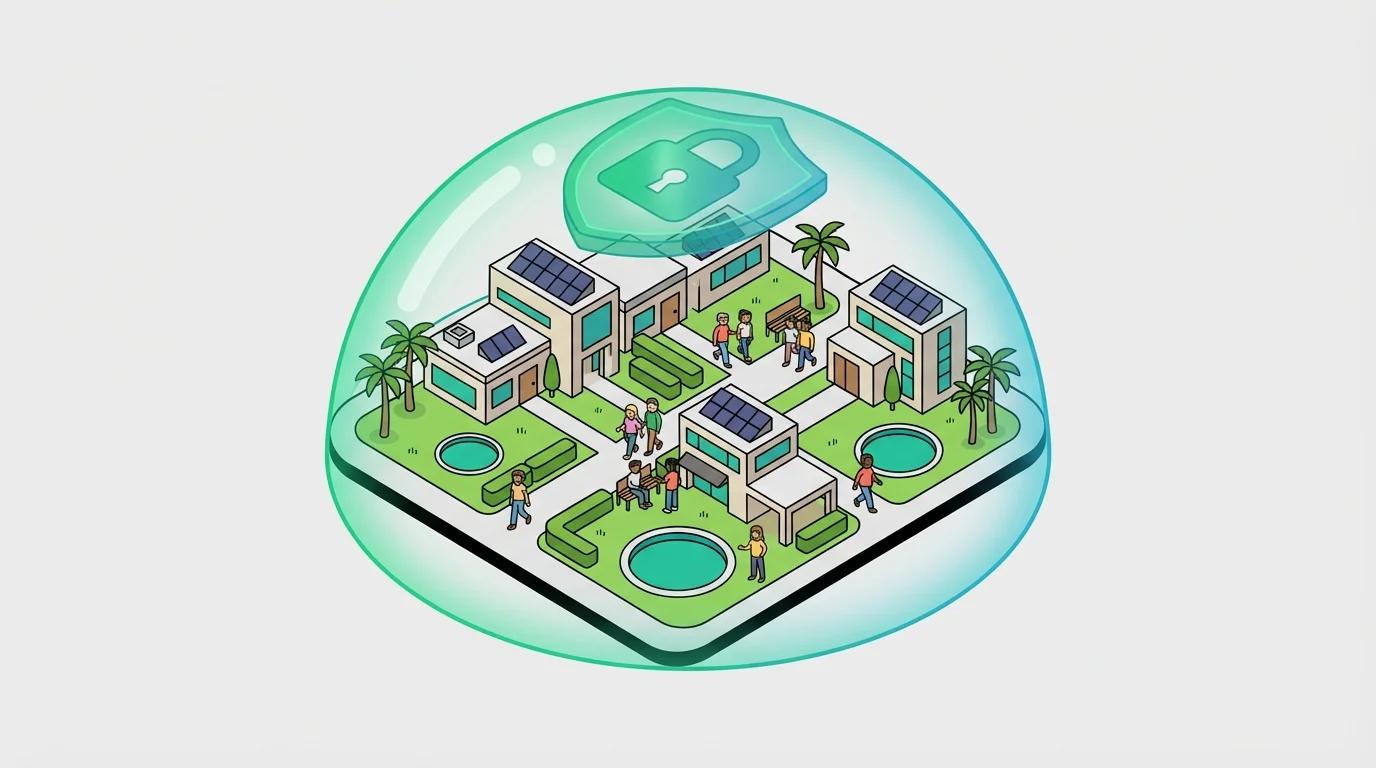
How we protect your data
Every aspect of Amenivue is designed with security and privacy in mind.
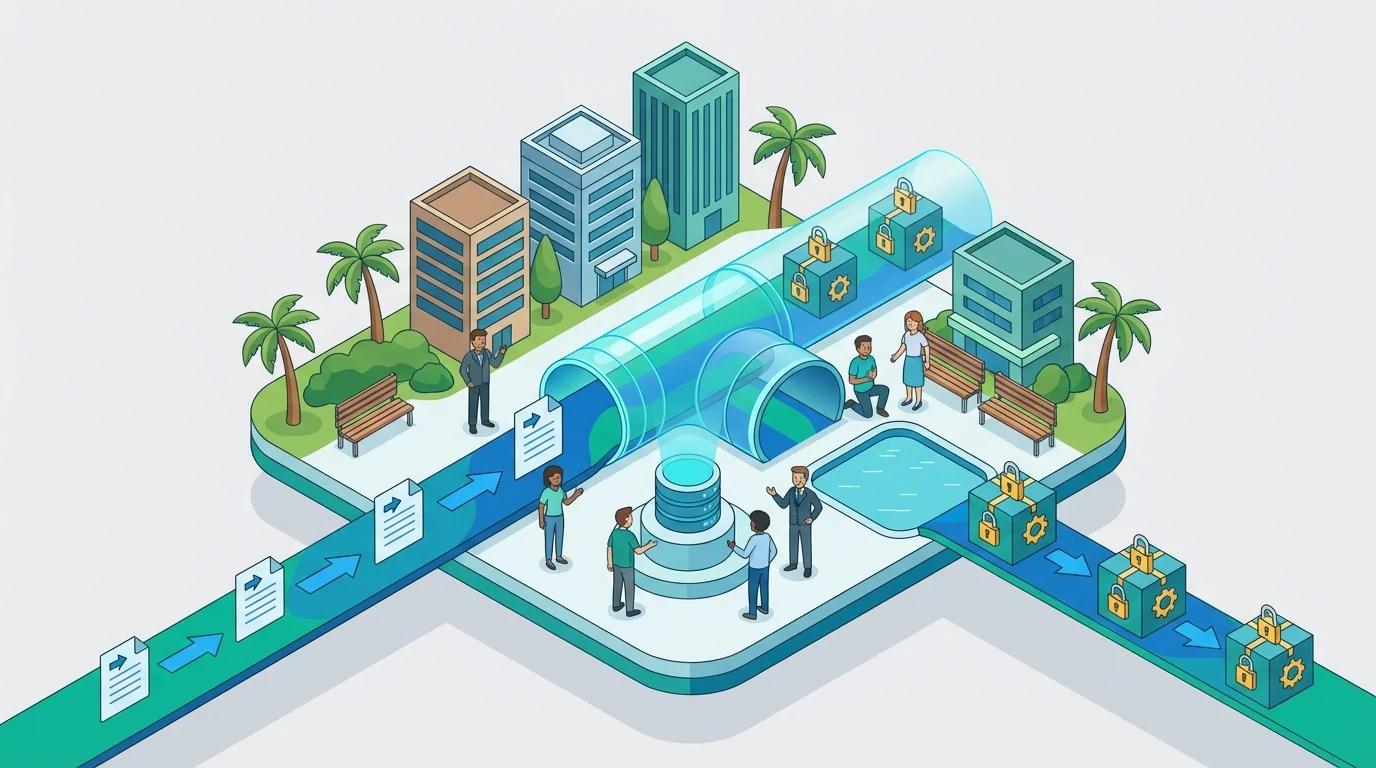
End-to-End Encryption
All data in transit is encrypted using TLS 1.3. Camera streams, API calls, and session data never travel unprotected.
One-Way Hashing
Resident credentials are hashed with bcrypt. Even with database access, plaintext credentials cannot be recovered.
No Plaintext Storage
Sensitive data is never stored in plaintext. Session tokens, API keys, and credentials are all cryptographically protected.
No PII Tracking
We never track individual viewing behavior. Analytics are aggregate-only. No personal data is collected or stored.
Hashed Credentials
Last names are stored as one-way cryptographic hashes. Even we can't read them. Only the hash is compared during login.
Scoped Access
Residents only see cameras for their own community. Nothing more. Access is strictly limited to their property.
Session Expiry
Sessions expire at midnight local time each day. This prevents unauthorized credential sharing and ensures access is current.
Encrypted Transport
All data is transmitted over HTTPS with TLS encryption. Camera feeds are never sent unencrypted.
No Recording
We don't record or store camera footage. Live streams and snapshots are viewed in real-time only.
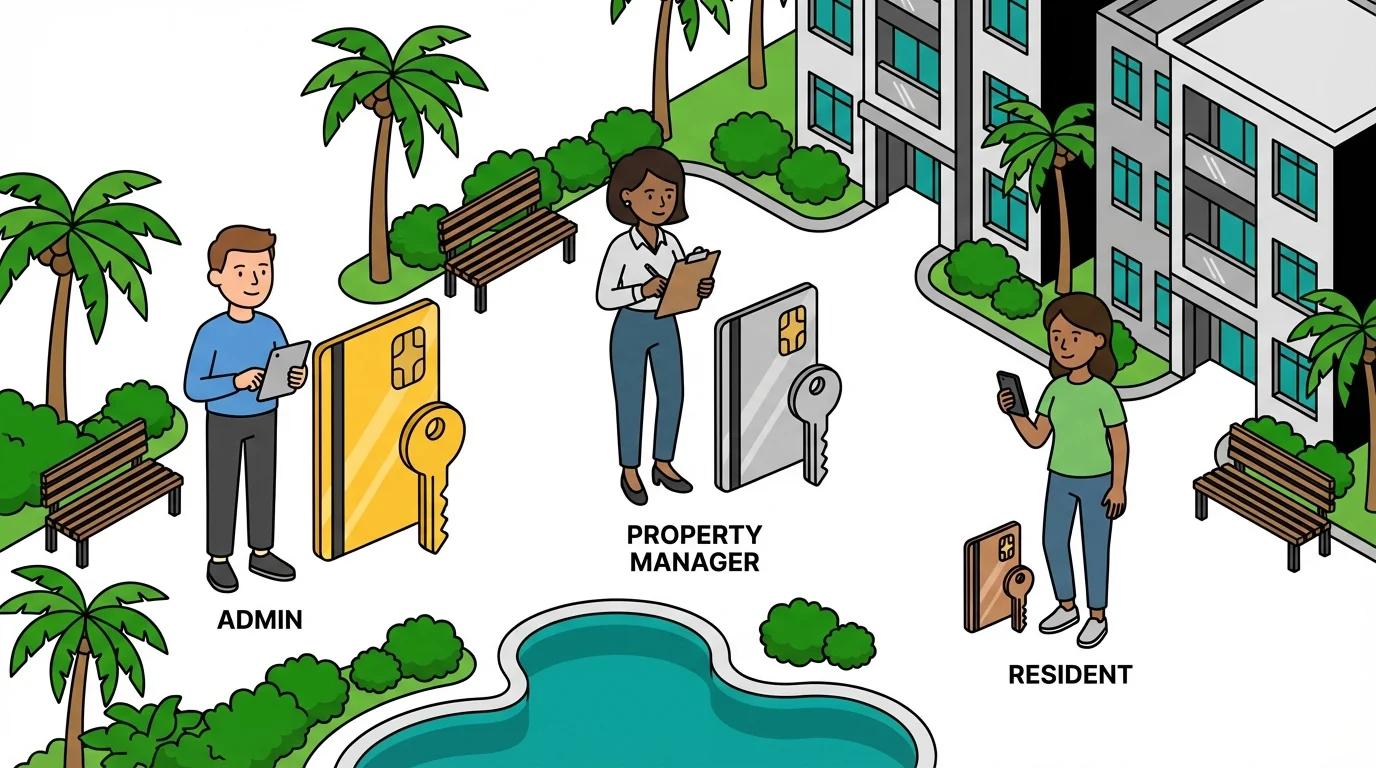
Role-based permissions
Different user types have different access levels. Admins manage the system, property managers configure their properties, and residents see only their community.
Administrators
Full system access, user management, all properties
Property Managers
Configure cameras, invite residents, view analytics for assigned properties
Residents
View cameras and snapshots for their own community only
Device Revocation
Property managers can revoke device access at any time, immediately invalidating remembered devices.
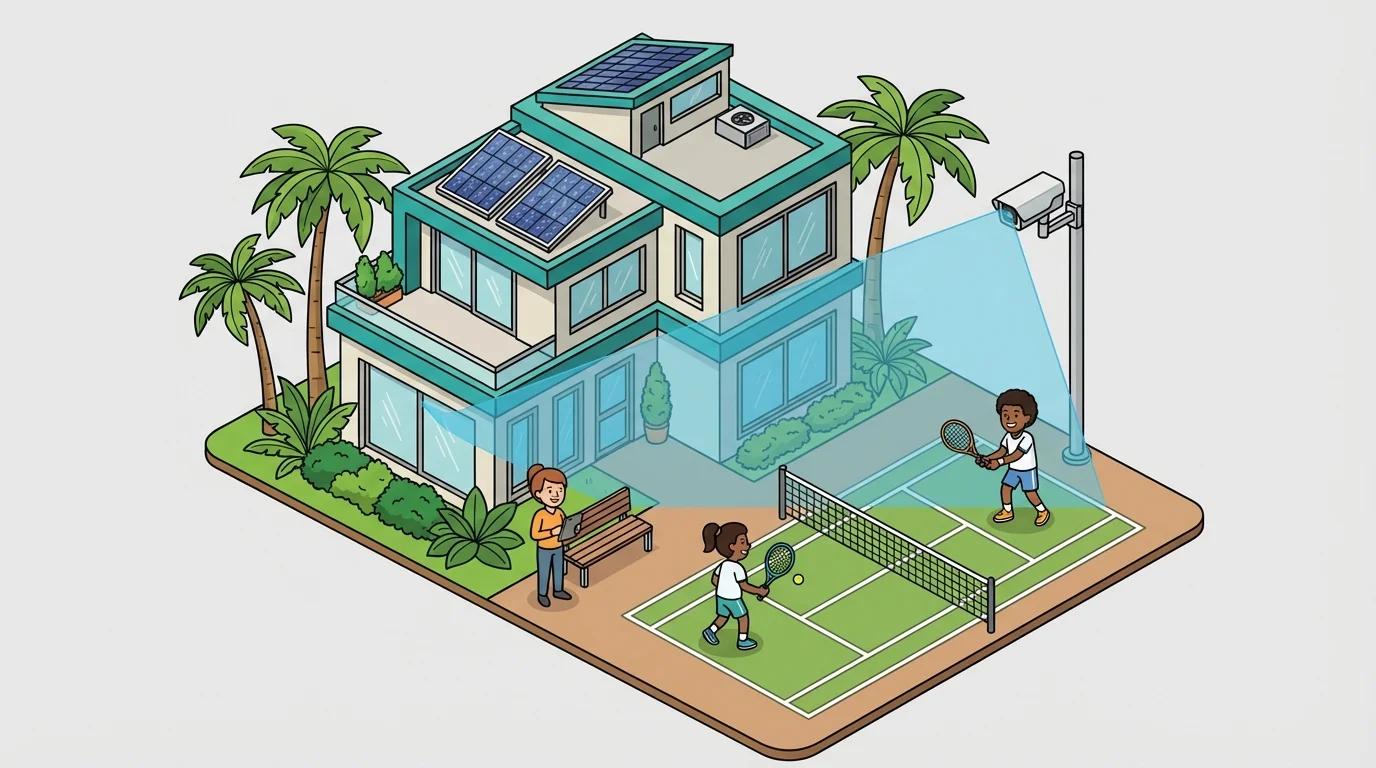
Mask sensitive areas
Property managers can draw privacy masks over camera views to block sensitive areas like windows into private residences, while keeping amenity views visible.
Polygon-Based Masks
Draw custom shapes to mask sensitive areas
Mask Windows & Private Spaces
Block views into private residences
PM-Controlled
Property managers configure and manage masks
Non-Destructive
Masks applied at viewing time, original feed preserved
Multiple Mask Versions
Update masks without losing history. Each change is versioned so you can track configuration over time.
Secure by architecture
Security isn't just about encryption — it's about how the entire system is designed.
HTTPS Everywhere
All traffic encrypted in transit
No Public RTSP Ports
Camera streams never exposed to internet
Session-Based Auth
No tokens in URLs that could be shared
Rate Limiting
Protection against abuse and attacks
No Public Camera Access
RTSP camera ports are never exposed to the internet. All camera access goes through our secure proxy with session validation.
Trusted by communities
Our security-first approach means property managers and boards can confidently offer camera viewing to residents without privacy concerns.
No Facial Recognition
We do not use facial recognition or any biometric analysis. Cameras show views, not identify individuals.
Aggregate Analytics Only
All usage analytics are aggregated. We never track which individual residents view which cameras.
Minimal Data Retention
We keep only what's needed. Session data expires daily. Snapshots are not stored long-term.
Questions about security?
We're happy to discuss our security practices in detail.